When Tabs Disagree: What to Do If Prices, Stock, or Models Don't Match
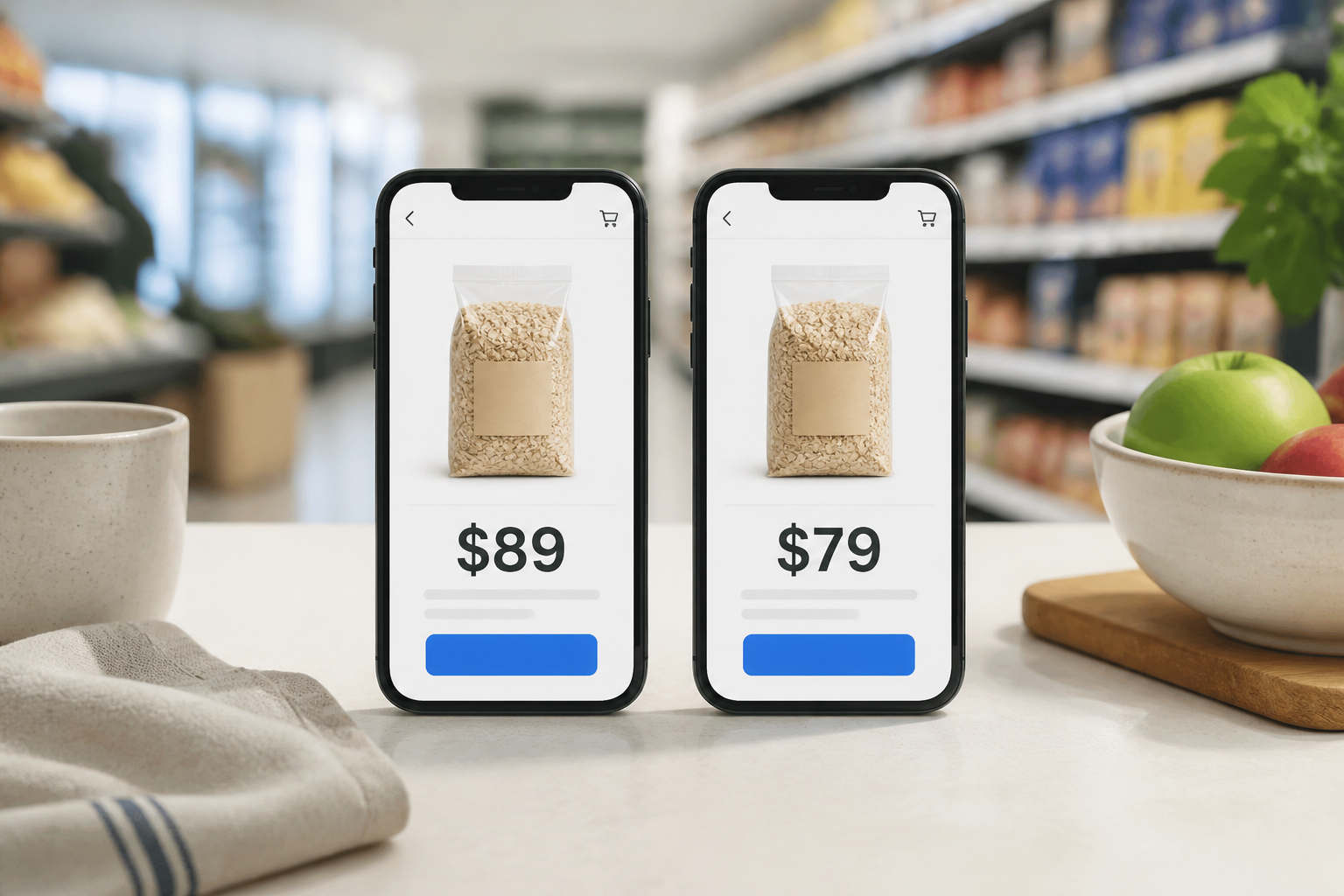
You've done the right thing: you checked more than one place before buying. Now nothing agrees. One tab says $89. Another says $79 for members. A comparison tool shows a third number. One site says the item is in stock locally; another says online only. This is not unusual, and it doesn't mean the data is useless. It means you need a clear process for resolving the disagreement — rather than just picking the number you like best and hoping for the best.
The One Rule That Clears Everything Up
Before any checklist or comparison exercise: for the actual transaction, the retailer's live product page or physical shelf ticket is what governs. Not a comparison tool. Not a screenshot. Not what you saw an hour ago. The retailer's current checkout price is what you will actually pay, and their in-store stock system is what determines whether the item is on the shelf.
Everything else — including Find It — is a pointer that helps you find the right place to buy. The retailer confirms the deal.
Why the Numbers Don't Match
Understanding why disagreements happen makes them less alarming. The most common causes:
Different product variants. Pack sizes, colour options, open-box or refurbished units, bundle configurations, and slightly older model numbers all appear in search results alongside the exact product you're looking for. If the model codes don't match precisely, you're not comparing the same thing.
Member vs. guest pricing. Some retailers display a lower price that only applies when you're logged into a loyalty account. A comparison tool viewing the public listing may show the full price; your logged-in account shows the member price, or vice versa.
Channel-specific promotions. App-only deals, in-store specials, and online-only promotions all create legitimate price differences between what you see on different platforms. The price is real — it just applies to a specific channel.
Data lag. Any comparison service — including Find It — assembles information from retailer data sources, and those sources don't always reflect the retailer's live system in real time. A promotion may have ended, or a price may have changed in the gap between when our data was updated and when you're viewing the result.
Ads pointing at lookalikes. Sponsored results in search engines sometimes surface older models, similar-but-different products, or marketplace listings from third-party sellers. These can look identical at a glance and diverge significantly once you check the details.
A Six-Point Checklist for When Things Don't Add Up
When you're seeing conflicting prices or stock levels, work through these quickly before deciding:
1. Do the model codes or SKUs match exactly? If they don't, stop comparing — you're looking at different products.
2. Is it the same pack size or configuration? One result may be for a single unit and another for a twin-pack.
3. Are you comparing the same fulfilment path? In-store, click & collect, and home delivery can each carry different prices at the same retailer.
4. Is one of the results from a marketplace seller rather than the retailer directly? Third-party sellers on retailer platforms may have different pricing, stock, and return conditions.
5. Have you factored in all fees? The lowest product price sometimes becomes the most expensive option once delivery, handling, or remote surcharges appear at checkout.
6. Are you looking at a fresh page load? A tab left open for several hours can display a price that no longer reflects the current state of the retailer's system.
If more than one of those checks fails, you're most likely looking at a family of similar-but-not-identical products. The answer isn't to pick the lowest number — it's to go back to the retailer's live page and confirm exactly what you're buying.
How Find It Fits Into a Disagreement
Use Find It to narrow your candidates. When numbers conflict, open the retailer's live page for the specific product and treat that as the authoritative source. If you see data in Find It that looks clearly wrong — a significantly outdated price, a stock status that doesn't match the store's own site — we'd genuinely appreciate hearing about it. You can contact us with what you searched, the device you were using, and what looked off. That feedback is directly useful.
One more thing worth noting: a prominently placed or sponsored result is not evidence that it's the best deal. It's evidence that someone paid for the placement. Always run the same checks on a featured result that you'd run on any other.
Narrow first: Open Find It search
Find It covers a growing set of Australian retailers. Find It doesn't guarantee prices or sell products. Always confirm with the retailer. Questions: Contact us